Getting Started
Three taps and the AI is trading memecoins on your behalf. No install, no accounts, no charts to read — everything happens inside Telegram.
What you need
- A Telegram account (mobile or desktop)
- A native token to deposit (SOL, ETH, BNB, or anything we support)
- That's it. No downloads, extensions, or signups.
Open the bot
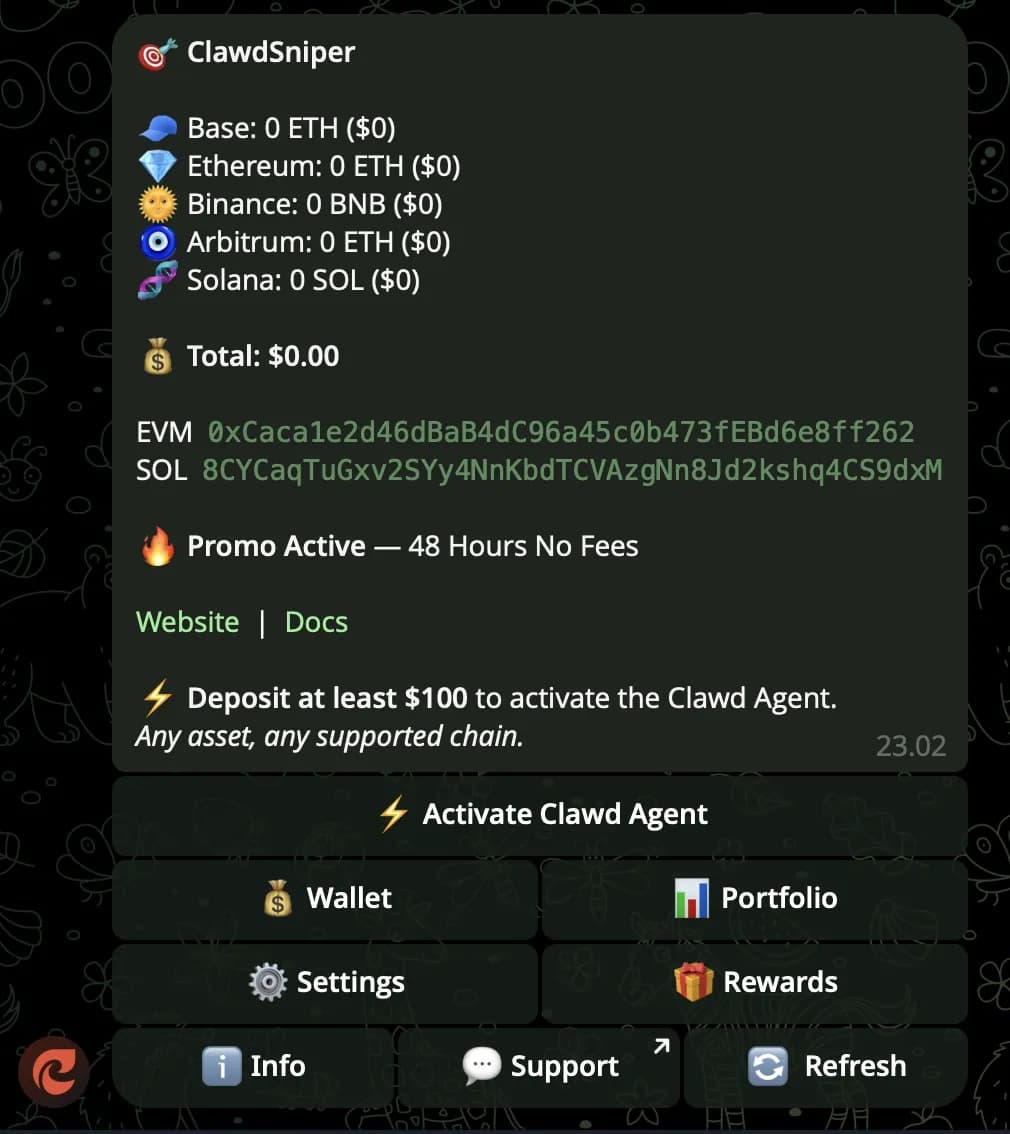
Send /start to @ClawdSniperAIbot on Telegram. A menu pops up with everything you need.
No app install. No browser extension. No API keys. Works the same on phone, desktop, and web Telegram.
Create a wallet, deposit
Tap Wallet → Generate. The bot returns one address that works for Solana, Ethereum, BSC, Base, and Arbitrum. Send any native coin to start.
Your private key is yours — exportable anytime. Deposits land within seconds and the bot confirms the amount in your chat with the live USD value.
Let the AI trade
Once a deposit lands, the AI watches the market 24/7 — meme launches, smart-money moves, cross-chain spreads — and trades automatically on your behalf.
Every entry, exit, and PnL update arrives in your chat as it happens. Pause or take manual control any time from the menu.
What it looks like
Here is the Clawd Sniper bot interface after you send /start: